Empty Cart

Your cart is Empty.

Give your dashboard the upgrade it deserves. Explore our digital packages and software updates to transform your drive.

Instant Delivery • In-Car Safe • 24/7 Expert Support

Sale
  • Mahindra Stereo Unlock YouTube Play Store via USB StereoWiz 2
  • Mahindra OEM Android Unlock Kit
🔥 9 items sold in last 3 hours
12 people are viewing this product right now

Mahindra OEM Android Google Services & File Manager Unlock Kit | USB Installation | Instant Download

🔥 9 items sold in last 3 hours
12 people are viewing this product right now

Original price was: ₹999.00.Current price is: ₹599.00.

or
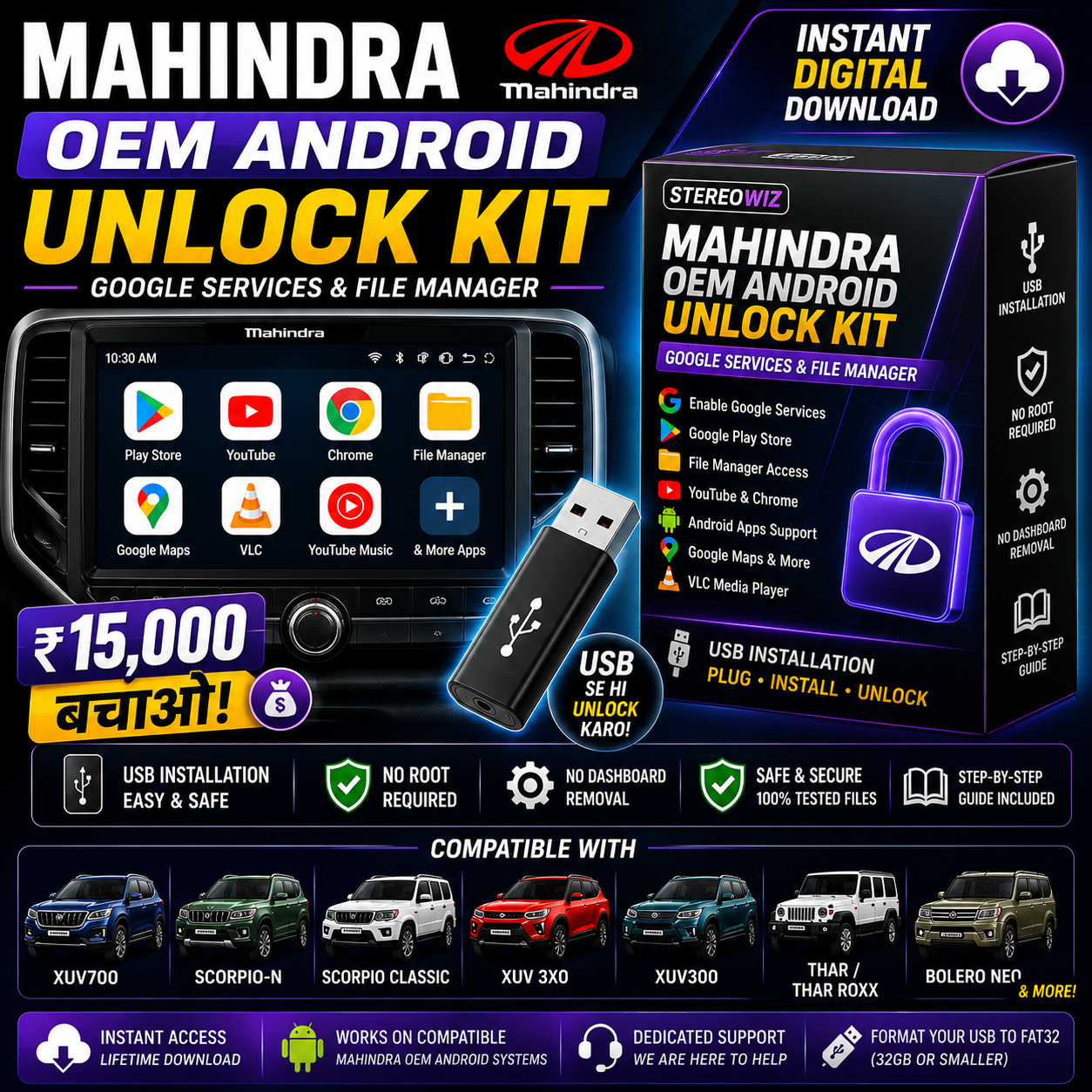
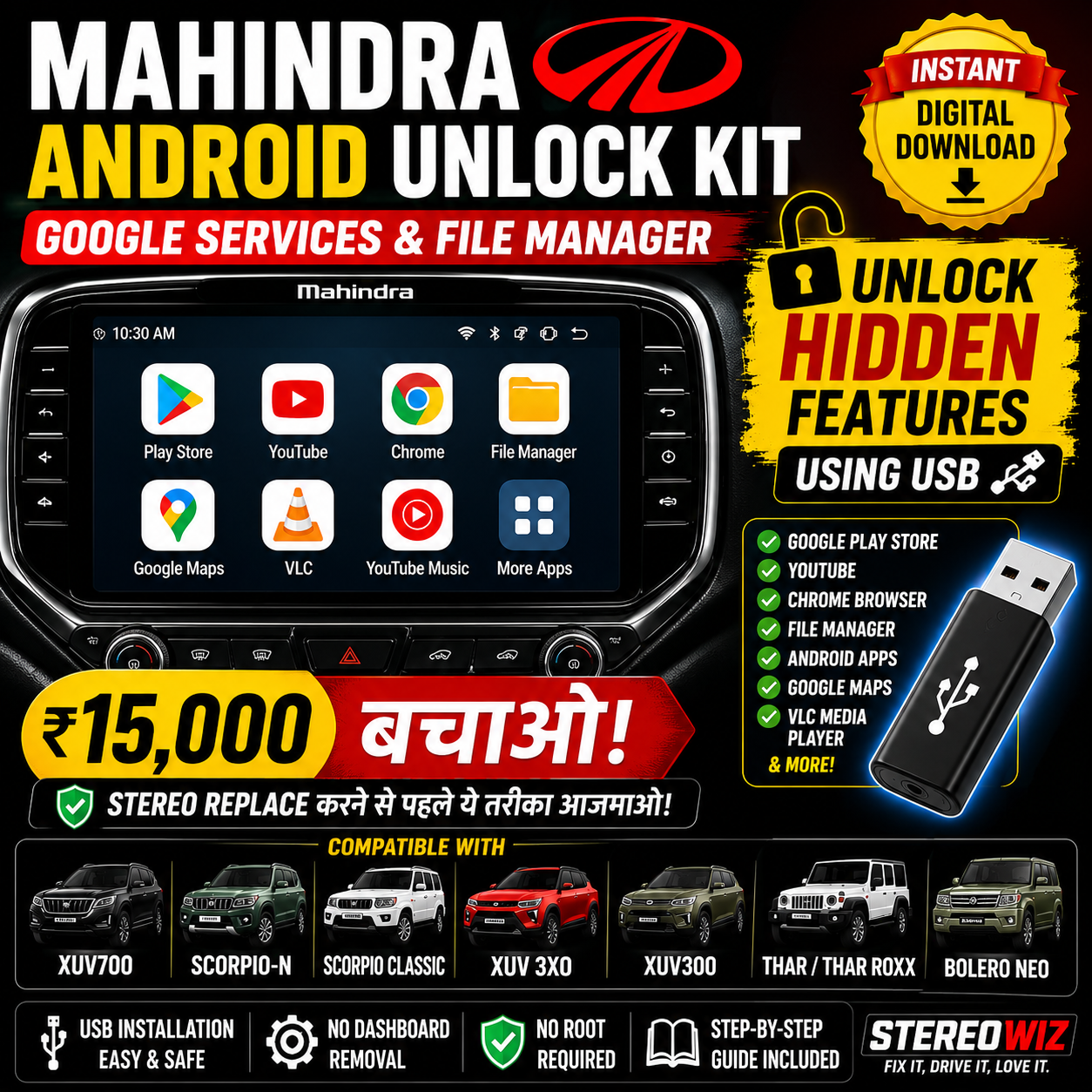
✅ Enable supported Google services on compatible Mahindra OEM Android infotainment systems.

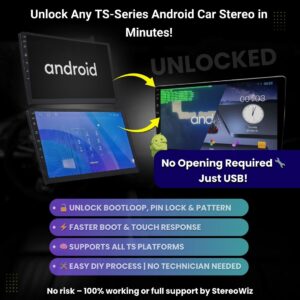
✅ USB installation — no dashboard removal or hardware modification required.

✅ Includes File Manager and supported Android functionality for compatible systems.

✅ Instant digital download with step-by-step installation guide.

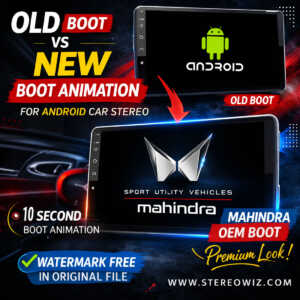
⚡ Official Mahindra OEM Digital Software Package

Mahindra OEM Android Unlock Kit

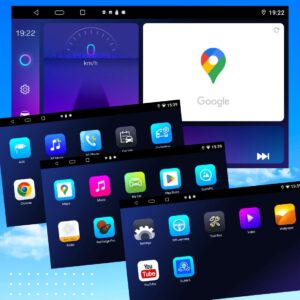
The Mahindra OEM Android Unlock Kit is designed for compatible Mahindra OEM Android infotainment systems. It enables supported Google services, File Manager, Play Store access and additional Android functionality using a simple USB installation method.

⚡ Instant Email Download
🛡️ 0% Dashboard Removal
🔌 100% USB Plug & Play

CAPABILITIES & HIGHLIGHTS

Key Features & Included Apps

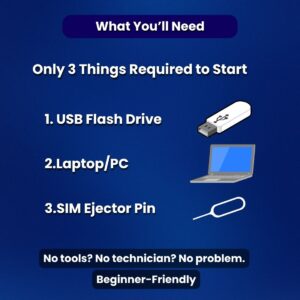
USB InstallationSimple plug-and-play setup via flash drive.
Instant Digital DownloadGet immediate access right after checkout.
Beginner FriendlyNo advanced coding or technical knowledge required.
No Dashboard RemovalKeep factory trim and panels 100% untouched.
No Hardware ModificationSafe, non-destructive software activation.
Step-by-Step Guide IncludedComplete PDF & written walkthrough included.
File Manager AppBrowse, copy, and manage files on local storage.
Google Services SupportEnables core GMS on supported hardware.
Play Store SupportDownload compatible Android apps directly.
Chrome Browser SupportFull web browsing capability on your display.
YouTube SupportWatch videos on compatible head unit screens.

VEHICLE FITMENT MATRIX

Compatible Mahindra Models*

Suitable for compatible OEM Android infotainment systems found in vehicles such as:

🚘 Mahindra XUV700
🚘 Mahindra Scorpio-N
🚘 Mahindra Scorpio Classic
🚘 Mahindra XUV 3XO
🚘 Mahindra XUV300
🚘 Mahindra Thar
🚘 Mahindra Thar Roxx
🚘 Mahindra Bolero Neo

*Compatibility depends on the specific infotainment hardware model and installed software version.

COMPLETE VIDEO TUTORIAL

Watch Full Installation & Feature Walkthrough

See the complete USB installation process and real overview demonstration on a Mahindra OEM Android system before you begin.

EASY SETUP GUIDE

Installation Process

STEP 01

Download Package

Download the ZIP package directly from your email or order page.

STEP 02

Extract Files

Extract all files on your PC or Mac using WinRAR or 7-Zip.

STEP 03

Format USB Drive

Format a USB drive (32GB or smaller) as FAT32 format.

STEP 04

Copy Files

Copy all unzipped files into the root directory of the FAT32 USB drive.

STEP 05

Insert USB

Plug the USB into your compatible Mahindra OEM infotainment USB port.

STEP 06

Automated Setup

Wait approximately 2–3 minutes for system installation to complete.

STEP 07 — FINAL STEP

Restart System & Enjoy

Restart your infotainment system to complete activation and access your new features!

📦

What’s Included

  • Mahindra Android Google & File Manager Version.zip
  • Installation Guide
  • USB Installation Instructions
  • Instant Download Access

⚙️

System Requirements

  • Compatible Mahindra OEM Android infotainment system
  • FAT32 formatted USB flash drive (32GB or smaller)
  • Vehicle ignition set to ON during installation

⚠️

Important Information & Delivery

Delivery: Instant Digital Download — your access links are available immediately after payment.

  • Digital product only — no physical item will be shipped.
  • Designed specifically for compatible Mahindra OEM Android infotainment systems.
  • Compatibility varies by hardware model and installed software version.

GOT QUESTIONS?

Frequently Asked Questions

Is rooting required?

No, rooting is not required.

Do I need to remove the stereo?

No dashboard dismantling or stereo removal is needed.

Does it work on every Mahindra vehicle?

Compatibility depends on the specific infotainment hardware model and software version running on your vehicle.

Which USB should I use?

Use a FAT32 formatted USB flash drive with a capacity of 32GB or smaller.

Will I receive a physical product?

No. This product is an instant digital download available immediately after purchase.

Digital Download & License Delivery Policy
🚀 Automated License Delivery

Digital Delivery & Licensing

Instant access to your software files, activation keys, and installation guides

📦

100% Digital Delivery — No Physical Shipping

All software packages, activation files, and firmware kits are 100% digital. Nothing will be physically shipped to your home address, saving you delivery time and shipping fees.

🔑

Instant License & Activation Code

Your activation key or VIP license code is sent automatically after payment completion. It will appear on your order confirmation screen immediately.

📥

Direct File Downloads & Guides

You will get instant download links for your ZIP file package, along with step-by-step PDF setup manuals and video installation tutorials directly on your dashboard.

✉️

Email Copy & Spam Notice

A duplicate copy of your license key and download links is dispatched to your registered email ID. Please check your spam, junk, or promotions folder if it doesn't land in your primary inbox.

🔄

Lifetime Account Dashboard Access

Your purchased digital products, license keys, and updated download links remain accessible 24/7 inside your account dashboard. You can re-download your files whenever needed.

💬

24/7 Activation Support

Facing activation issues or need compatibility help? Our technical support team responds quickly via WhatsApp and email to assist you with setting up your digital license.

Ready to Upgrade Your System?

Complete your purchase to receive your official license key and download files instantly. Zero waiting, 100% automated delivery.

Reviews

Reviews

There are no reviews yet.

Be the first to review “Mahindra OEM Android Google Services & File Manager Unlock Kit | USB Installation | Instant Download”

Your email address will not be published. Required fields are marked

🔒

100% Secure Checkout

256-Bit SSL Encrypted
  • Automated Delivery: Instant email access right after successful payment.
  • 100% Safe Payment: Fully encrypted, risk-free checkout session.
  • Verified License: Official activation codes & genuine files.
UPI Cards NetBanking Wallets